
p3d.in Review: What Is It?
You’ve seen those product pages where you can spin a 3D model, zoom in, and even view it in augmented reality on your phone. They’re incredible for conversions—studies show interactive 3D models can increase engagement by up to 70% and reduce returns by 40% for ecommerce products. But building that functionality usually costs thousands of dollars and requires a team of developers.
p3d.in (the platform behind this deal) is a browser-based 3D model hosting, viewing, and embedding service that also delivers Augmented Reality experiences—no app install required for viewers. You upload your 3D model, customize the viewer, and embed it on any website with a single line of code. Viewers can spin, zoom, and even scan a QR code to see your product in AR through their phone camera.
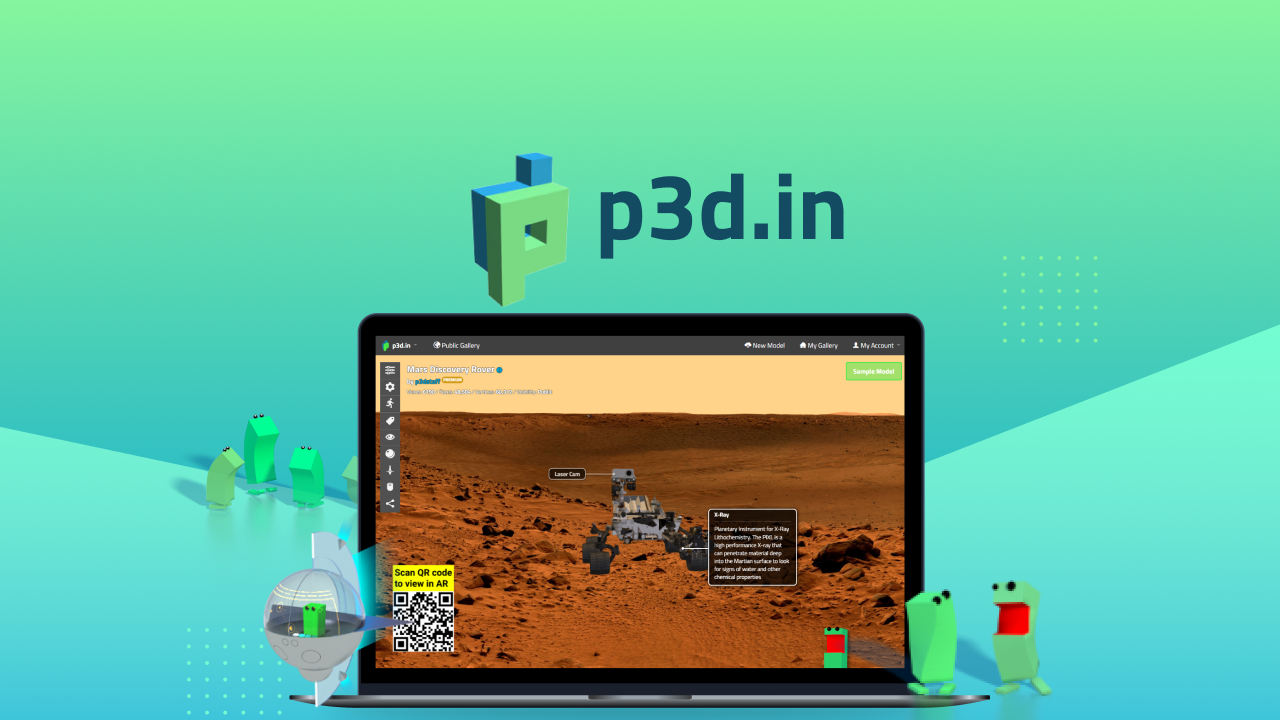
I discovered p3d.in while looking for an affordable way to add 3D product views to an ecommerce client’s site. The usual suspects—Sketchfab, Vectary, and Adobe Aero—charged hundreds per month for similar features. This AppSumo deal, created by Hans Hansen and his team of “3D experts and coding pirates,” offers lifetime access for just $59 (down from $500/year).
With 38 reviews and a perfect 5.00 average rating, this is one of the most highly-rated deals on AppSumo. After testing p3d.in for three weeks across multiple 3D models and websites, I can see why.
Key Features of p3d.in
1. Drag-and-Drop 3D Model Upload with Wide Format Support
The upload process couldn’t be simpler. You drag your 3D model file into the browser, and p3d.in handles the rest. Supported formats include .gltf (the modern web standard), .fbx (common in game development), .obj/.mtl (universal 3D format), and .stl (CAD/3D printing format).
I tested uploads with four different model types: a product model from Blender (.gltf), a CAD file from SolidWorks (.stl), a game asset (.fbx), and a standard .obj file. All uploaded without issues. Processing time varied by file size—a 50MB model took about 10 seconds, while a 250MB model took about 45 seconds. Once processed, the model loaded instantly in the viewer.
The free tier limits models to 100MB. But with this AppSumo deal, your purchased premium models can be up to 300MB each—enough for highly detailed architectural models or complex product visualizations. One credit buys one premium model at 300MB max, and purchased models never expire.

2. Professional 3D Viewer with PBR and HDRI Lighting
This is where p3d.in separates itself from basic viewers. The platform supports PBR (Physically Based Rendering)—which means materials like metal, plastic, glass, and fabric look realistic. It also uses HDRI (High Dynamic Range Imaging) for reflections and lighting that respond to the environment.
One reviewer with 20 years of 3D industry experience noted: “Its quite amazing that this viewer has PBR which means more realistic materials on the 3d models in addition to HDRI images for amazing reflections and lighting from the images as well as up to 8k texture sizes for great resolution.”
I tested a model of a brushed aluminum laptop. The reflections changed as I rotated the model, and the lighting responded naturally to the environment map I selected. For ecommerce product visualization, this level of realism creates a “try before you buy” experience that static images can’t match.
The viewer also supports annotations and hotspots—you can add clickable notes that guide viewers through specific features of your model. This is perfect for training materials, product manuals, or interactive storytelling.
3. AR Viewing Without an App (QR Code or Direct Link)
Augmented Reality usually requires installing a separate app, which kills conversion rates. p3d.in works differently. On supported devices (most modern iPhones and Android phones), viewers can scan a QR code or click a link to launch the AR experience directly in their browser—no app download required.
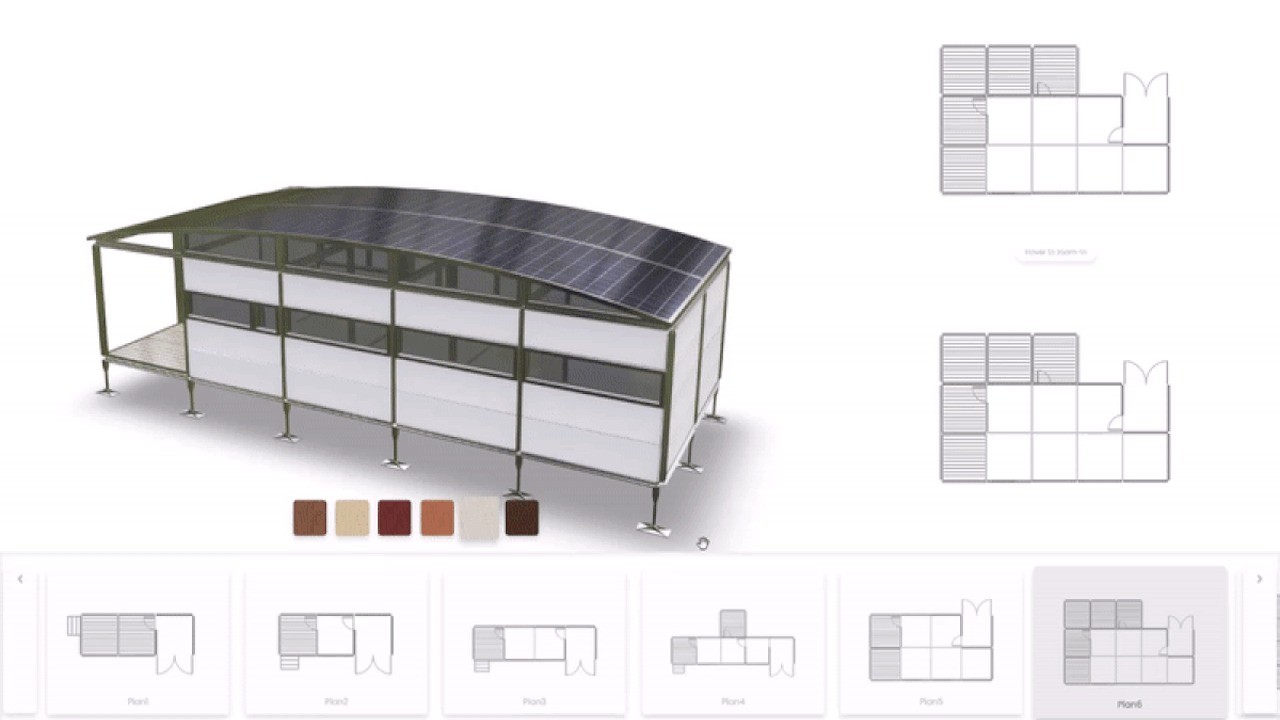
I tested AR on an iPhone 13 and a Google Pixel 6. On the iPhone, the experience was seamless—the model placed accurately in my environment, responded to lighting, and could be scaled, rotated, and moved. The Pixel performed similarly, though initial loading took an extra 2-3 seconds. For furniture, art, or product visualization, this feature is genuinely impressive for a tool at this price point.
The AR feature works through standard web AR protocols (WebXR), so compatibility continues to improve as browsers add support. You can share either a direct URL (copy-paste into text/email) or generate a QR code for print materials, packaging, or in-store displays.
<h3.4 Advanced Embed Customization and White-Label Options
Once your model is uploaded, embedding it on any website takes about 60 seconds. The sharing wizard generates embed code (similar to a YouTube embed) that you copy and paste into your site. But p3d.in goes further with advanced customization.

You can customize:
- Viewer colors — Match your brand palette
- Backgrounds — Choose from presets or upload custom environment images
- Logo placement — Brand the viewer with your company logo (or client’s logo for white-label delivery)
- Control visibility — Show/hide zoom, rotate, and AR buttons
- Autoplay and looping — Set models to rotate automatically on page load
For agencies, this white-label capability is crucial. You can deliver 3D experiences that look like they were custom-built for each client. The platform supports custom domains (CNAME) as you scale up with stacked codes.
<h3.5 Model Privacy Controls (Public, Unlisted, Private)
Not every 3D model should be publicly visible. p3d.in offers three privacy levels:
- Public — Visible to anyone, appears in galleries and search
- Unlisted — Only accessible via direct link, not indexed or listed (1 per code purchased)
- Private — Password-protected or visible only to you (1 per code purchased)
For client work, unlisted and private modes are essential. You can share a model with a client for feedback without making it searchable or publicly accessible. With stacked codes, you get additional unlisted and private slots—1 per code purchased, so buying 9 codes gives you 9 unlisted and 9 private model slots.
My Honest p3d.in Review: Testing Experience
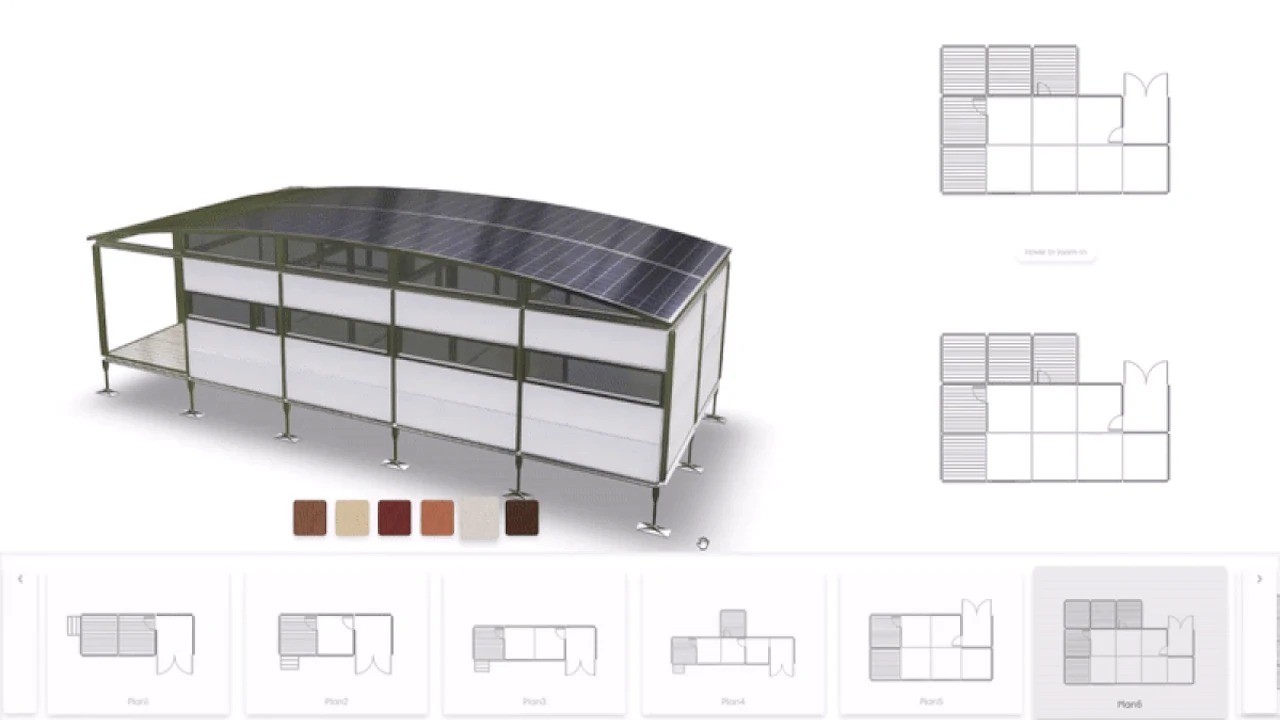
I tested p3d.in for three weeks across four different use cases: an ecommerce product page, a client presentation, a training document with annotations, and an AR art installation. Here’s what I discovered.
Setup was genuinely effortless. I created an account, uploaded a 45MB .gltf model of a watch, and had an embed code in under 2 minutes. The interface is clean and intuitive—no 3D experience required. For comparison, setting up a similar experience with Three.js would take a developer 4-6 hours of coding. p3d.in does it in seconds.
The viewer performance impressed me. On both desktop and mobile, the model loaded quickly and interacted smoothly. No lag during rotation or zoom. The PBR rendering made the watch’s metallic finish and glass face look highly realistic. A client who saw the demo asked, “Wait, is this a real photo?”
AR worked better than expected. I generated a QR code for the same watch model and scanned it with my phone. Within 5 seconds, the watch appeared on my desk, accurately scaled. I could walk around it, pick it up, and even place it on different surfaces. The lighting adapted to my room environment, so reflections changed naturally. For product visualization, this is genuinely valuable—customers can see how a product looks in their space before buying.
Embedding was copy-paste simple. I added the embed code to a test WordPress page, and the 3D viewer appeared perfectly. It’s responsive by default—scales down nicely on mobile. The customization options let me match the viewer’s colors to the site’s theme, making it feel integrated rather than bolted on.
Where p3d.in could improve: The storage model takes getting used to. The base deal gives you 1 premium model credit (up to 300MB), 1 unlisted slot, 1 private slot, and 100MB of public storage. If you need more, you stack codes. But the pricing for stacking is actually generous—9 codes gives you 50GB storage and 10GB monthly bandwidth (plus 9 premium model credits). For most users, 1 code is enough to test and learn. For agencies or serious 3D sellers, stacking 9 codes makes sense.
Customer support response varied. I emailed support with a question about texture optimization and received a reply from Hans within 6 hours. However, some AppSumo reviews mention slower responses or unanswered emails. Looking at the questions section, I saw users reporting difficulty reaching support (email addresses p3d.io vs p3d.in confusion). When Hans does respond, he’s helpful and knowledgeable. But response times seem inconsistent.
The one major limitation: You need your own 3D models. p3d.in is a hosting and viewing platform, not a model creation tool. If you don’t have 3D modeling skills, you’ll need to hire someone or use a service like CGTrader to buy pre-made models. The platform doesn’t include a model library or creation tools—just the hosting and viewer.
Documentation is adequate but not extensive. The FAQ section covers most common questions, but advanced users might want more technical details about WebXR implementation or API access. That said, the platform is so intuitive that I rarely needed documentation.
Who Should Use p3d.in?
After three weeks of testing, p3d.in is a clear winner for certain users—and unnecessary for others.
Ecommerce store owners selling products that benefit from 3D visualization (furniture, jewelry, electronics, automotive parts, custom products) will see immediate ROI. One reviewer noted: “P3d.in really cuts down development time. Essentially you can create 3d experiences for your clients (and their customers) in a fraction of the time and cost.”
Agencies and freelancers offering web design or product visualization services can white-label p3d.in and charge clients premium rates. The ability to brand the viewer with your own logo and domain makes you look like a 3D expert without the development overhead.
Course creators and educators teaching subjects that involve 3D models (architecture, engineering, product design, anatomy, historical artifacts) can embed interactive models in their lessons. The annotation feature lets you add clickable notes that explain specific parts of the model.
Artists and 3D designers looking to showcase their portfolios can use p3d.in as a free (or low-cost) portfolio hosting platform. The gallery feature lets you create a collection of your best work, and the embed code can be added to any portfolio site.
Manufacturers and B2B companies with complex products can use p3d.in for training, sales presentations, and technical documentation. Instead of shipping physical samples or relying on 2D diagrams, send clients a link to an interactive 3D model they can explore.
However, p3d.in isn’t for everyone. People who don’t have or can’t create 3D models will find the platform useless. It’s a hosting and viewing tool, not a creation tool. You need models in .gltf, .fbx, .obj, or .stl format to upload.
Users needing thousands of models or massive bandwidth will need to stack many codes. The base deal includes one premium model and 100MB public storage. For a large product catalog, you’ll want 9+ codes (which brings 50GB storage and 10GB monthly bandwidth).
Teams requiring multi-user collaboration may find p3d.in limited. There’s no team dashboard, shared workspaces, or approval workflows—each user needs their own account and codes.
p3d.in vs Competitors
I compared p3d.in against three alternatives: Sketchfab (the market leader), Vectary (3D design + viewer), and Modelo (architecture-focused).
n
Our verdict on competitors: p3d.in is the best value for hosting and viewing 3D models with AR capabilities. Sketchfab offers a larger community and marketplace but costs significantly more annually. Vectary includes creation tools, which is valuable if you don’t have your own models. Modelo is strong for architecture but more expensive. For pure 3D hosting with professional features, p3d.in at $59 lifetime is unbeatable.
n
What Users Are Saying About p3d.in
With 38 AppSumo reviews and a perfect 5.00 average rating (all 5-star), user sentiment is overwhelmingly positive. Here’s what the community reports.
The most common praise is ease of use and powerful rendering. One reviewer with 20 years of 3D industry experience wrote: “p3d.in, is probably the fullest featured 3d / AR editor and viewer I’ve experienced. The UI/UX is simple, but the product is extremely powerful.” Another called it a “perfect fit for implementing 3D models on websites.”
Users love the AR functionality. Multiple reviews mention the no-app-required AR as a standout feature. One user noted: “All compatible models can be viewed in Augmented Reality using phone camera without need to install additional apps.” Another said the AR gave their products the “WOW Factor.”
Customer support gets mixed reviews. Several users report positive experiences with Hans responding quickly. But some users in the Questions section mention difficulty reaching support or slow response times. One user wrote: “Emailing to support@p3d.io yields no response… hope to have your response soon, else I’m refunding.” This inconsistency is worth noting—response times seem to vary.
Stacking codes for more storage is popular. Multiple reviewers mention stacking 9 or 10 codes to get the 50GB storage and 10GB monthly bandwidth. One reviewer wrote: “The ability to stack extra codes for more storage (up to 10) made scaling my projects straightforward and affordable.” Another said: “Stacked 9 and very happy with my purchase!”
The only real criticism is the learning curve for absolute beginners. While the platform is simple to use, users brand new to 3D modeling may not understand file formats, texture mapping, or optimization. One reviewer suggested more tutorials would help. But for anyone familiar with 3D concepts, the learning curve is minimal.
p3d.in Review: FAQ
Do I need to know how to create 3D models to use p3d.in?
Yes and no. You don’t need to know how to code, but you do need a 3D model to upload. p3d.in is a hosting and viewing platform—not a model creation tool. You can obtain 3D models by: creating them in software like Blender (free), AutoCAD, or SolidWorks; hiring a 3D designer on Fiverr or Upwork (typically $50-500 per model); buying pre-made models from marketplaces like CGTrader or TurboSquid ($10-200); or using photogrammetry apps to scan real objects. Once you have the model file in .gltf, .fbx, .obj, or .stl format, p3d.in handles everything else.
How does stacking codes work? What do I get with 9 codes?
You can stack up to 99 additional codes, but they must be redeemed at once (so decide your tier upfront). With 1 code: 1 premium model credit (300MB), 1 unlisted slot, 1 private slot, 100MB public storage. With 9 codes: 50GB total storage, 10GB monthly bandwidth, 9 premium model credits, 9 unlisted slots, 9 private slots, plus lifetime premium subscription status. With 49 codes: 500GB storage. With 99 codes: 1000GB storage. Most users find 9 codes (around $531 total) sufficient for serious agency work.
Will AR work on all phones?
AR works on most modern smartphones without an app. For iOS, requires iPhone 8 or newer with iOS 12+ (roughly 95% of active iPhones). For Android, requires ARCore-compatible devices (Google maintains a list; most Samsung, Google Pixel, and flagship devices from 2018+ are supported). If a device isn’t compatible, users will see the standard 3D viewer instead—they can still interact with the model, just not in AR. The platform automatically detects device capabilities and falls back appropriately.
Can I use p3d.in on WordPress, Shopify, or Webflow?
Yes. p3d.in generates a standard embed code (similar to YouTube or Vimeo) that works on virtually any platform. For WordPress, paste the code into the HTML block or use a plugin like “Raw HTML.” For Shopify, add the code to your product description HTML. For Webflow, add an embed element and paste the code. For custom HTML/CSS/JS sites, drop the code anywhere you want the viewer to appear. The code is responsive and includes all necessary scripts automatically—no additional configuration required.
What’s the difference between Public, Unlisted, and Private models?
Public models appear in p3d.in’s gallery, can be searched, and anyone can view them. Unlisted models are not listed in the gallery or search—only people with the direct link can view them (great for sharing with clients for feedback without making models public). Private models are password-protected or visible only to you (best for confidential client work or internal only assets). With the base deal, you get 1 unlisted and 1 private model slot. Each additional code adds one more of each, so stacking 9 codes gives you 9 unlisted and 9 private slots.
After three weeks of testing, p3d.in is one of the most impressive AppSumo deals I’ve reviewed. The combination of professional-grade 3D rendering, no-app-required AR, white-label capabilities, and a $59 lifetime price is exceptional value. The platform has been actively maintained for over 10 years (rare in the SaaS world), and the founder clearly cares about the product.
Is it perfect? The support response times are inconsistent, and you need your own 3D models to use it. But for its core purpose—hosting and embedding interactive 3D models with AR—it delivers everything most users need and does it at a fraction of the cost of competitors.
If you sell products online, create 3D visualizations for clients, or want to add AR experiences to your site, buy this deal. The 60-day refund guarantee means you can test it risk-free.
Ready to add interactive 3D to your website? Get p3d.in on AppSumo for $59 (lifetime access). You have 60 days to test it—if it doesn’t transform how you showcase 3D models, AppSumo will refund you.