
MarkupGo Review: What Is It?
Every developer eventually faces the same problem: a client needs automated document generation. Invoices, reports, receipts, certificates – all need to look professional, scale infinitely, and work without manual intervention. The typical solution? Spend days wrestling with headless browsers, PDF libraries, and image manipulation tools. Or pay hundreds monthly for enterprise APIs.
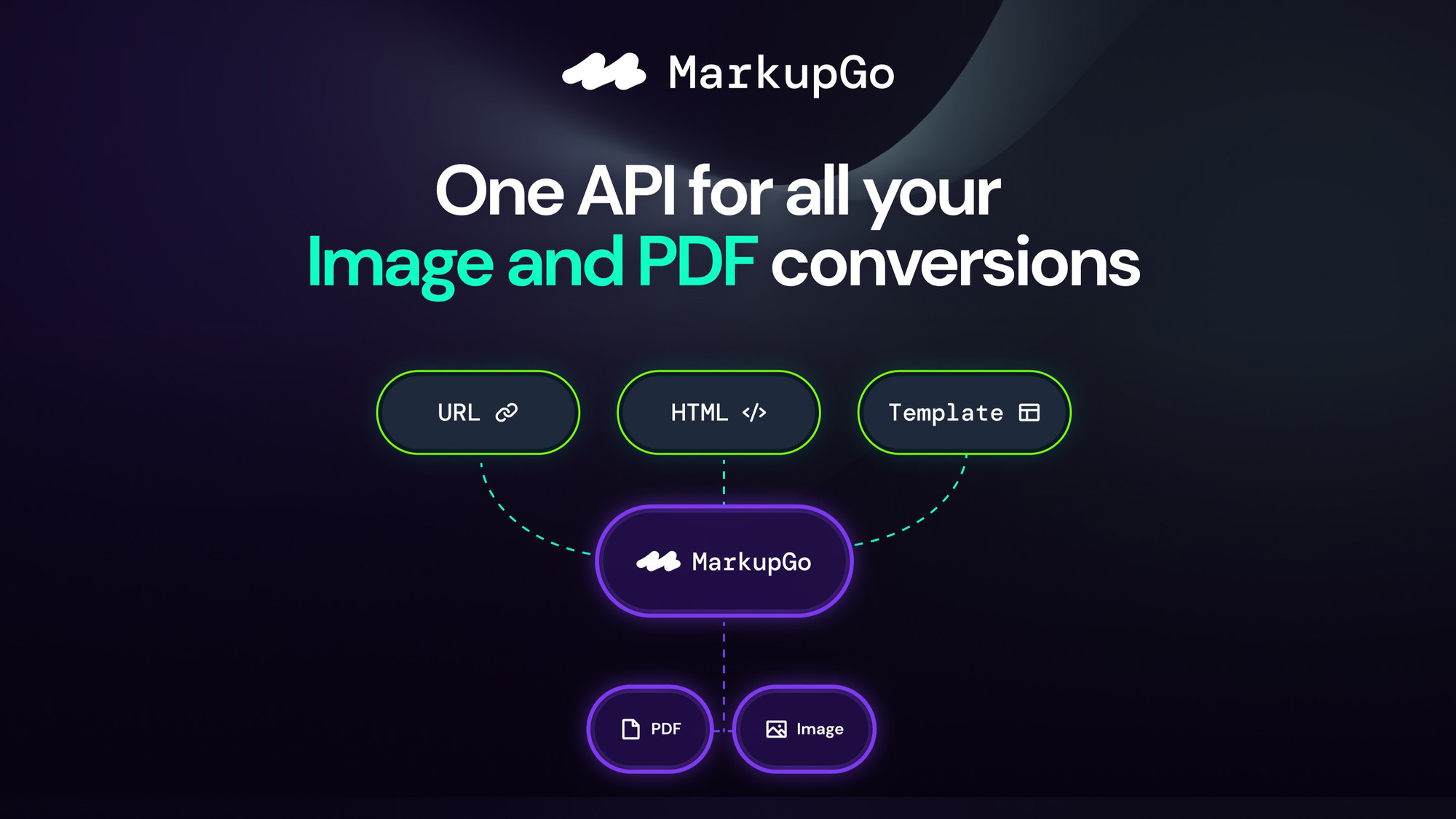
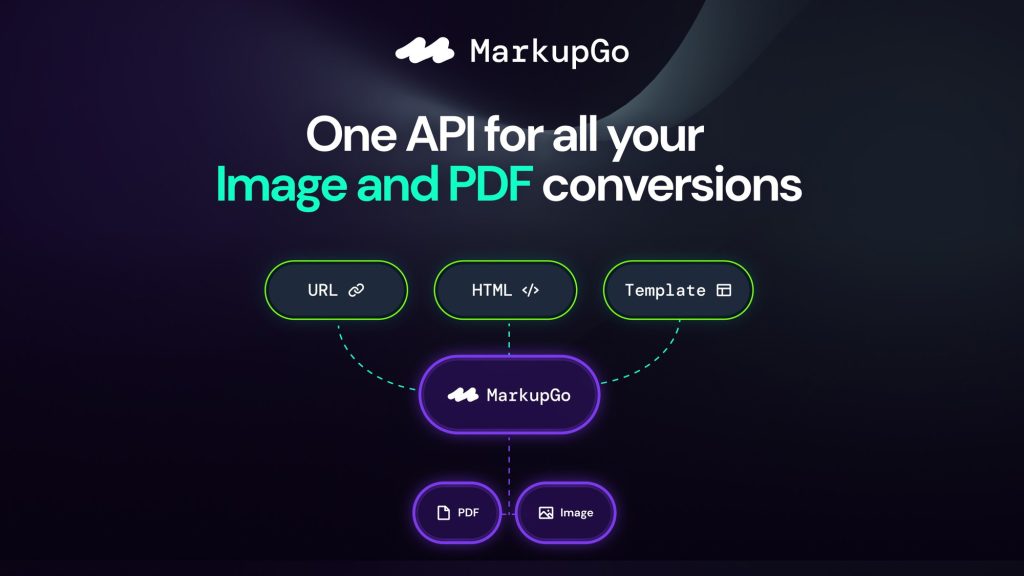
MarkupGo aims to solve this with a single, unified API platform that generates high-quality PDFs and images from URLs, HTML, CSS, JavaScript templates, and even Markdown. It also includes an image transformation API for resizing, cropping, rotating, and applying filters.
I tested MarkupGo for six weeks across multiple use cases: generating invoices for a freelance business, creating social media images from blog posts, converting Markdown documentation to PDFs, and building a simple webhook system for automated report generation. As someone who has previously implemented solutions using Puppeteer, wkhtmltopdf, and various paid APIs, I was curious whether MarkupGo could deliver comparable quality at a fraction of the cost.
The current AppSumo lifetime deal starts at $49 (86% off the $348 original price). You get monthly credits for conversions, template storage, full API access, and usage analytics. Stack up to 7 codes for higher credit limits, unlimited templates, and access to the image transformation API.
With 37 reviews averaging 4.84/5 (35 five-taco ratings), early users are enthusiastic. After my testing, I understand why – but with important caveats for developers with specific requirements. Let me walk you through exactly what I found.
Key Features of MarkupGo
1. URL to PDF/Image Generation (Pixel-Perfect Rendering)
The core of MarkupGo is its ability to convert any web page into a high-fidelity PDF or image with a single API call. You simply send a URL, and MarkupGo renders the page exactly as a browser would – including SVGs, emojis, embedded fonts, and custom headers/footers.
During testing, I pointed the API at several complex pages: a dashboard with Chart.js visualizations, a heavily styled marketing site with custom fonts, and a page with embedded iframes. MarkupGo handled all of them correctly. The Chart.js graphs rendered perfectly (a common failure point for basic converters). Custom fonts loaded without issue. Even SVGs with complex paths came through cleanly.
The rendering quality genuinely surprised me. In my experience, most URL-to-PDF tools fall into two categories: expensive but excellent (like DocRaptor at $49+/month) or cheap but broken (open source solutions that choke on modern CSS). MarkupGo sits firmly in the first category but at the second category’s price point.
Customization options are robust. You can set custom headers and footers with page numbers, dates, or branding. You control paper size, margins, and print quality. For images, you can set dimensions and device pixel ratios. I generated responsive social media previews from blog post URLs – each image perfectly framed the article title and featured graphic.
One limitation I discovered: pages with WebGL or heavy canvas animations sometimes rendered incompletely. For standard business content – dashboards, reports, invoices, documentation – it’s flawless. For gaming or 3D visualization content, test thoroughly first.

2. HTML to PDF/Image with Dynamic Content Support
For cases where you don’t have a publicly accessible URL, MarkupGo accepts raw HTML, CSS, and JavaScript. This is the most flexible mode – you can generate documents dynamically based on database content, user inputs, or real-time data.
I built a test invoice generator using this feature. My application queries a database for line items, constructs an HTML string with the invoice data embedded, sends it to MarkupGo, and receives a PDF. The entire process takes about 2 seconds per invoice – fast enough for real-time generation.
The API supports JavaScript execution, which means you can include dynamic elements like charts generated client-side or DOM manipulations after initial load. I embedded a small script that highlighted different invoice rows based on payment status (paid vs. pending). MarkupGo executed the JavaScript correctly before rendering.
Template management is built-in. You can store reusable HTML/CSS templates in MarkupGo, then generate documents by passing variables. This dramatically reduces API payload size and keeps your business logic separate from presentation. I created templates for invoices, packing slips, and certificates. Each template accepts variables like {customer_name}, {invoice_total}, and {issue_date}. The variable substitution works reliably.
One word of caution: complex JavaScript with long execution times may timeout. MarkupGo has generous limits (longer than most competitors), but I wouldn’t recommend rendering pages that require 10+ seconds of client-side processing. For typical business documents, you’ll have no issues.
3. Markdown to Image & PDF Conversion (New!)
MarkupGo recently added Markdown conversion – a feature I didn’t know I needed until I tried it. You send Markdown text, and MarkupGo returns a beautifully formatted image or PDF with syntax highlighting, embedded images, and light/dark theme support.
I tested this on a 5,000-word technical documentation file written in Markdown. The PDF output was publication-ready: code blocks had proper syntax highlighting, tables rendered correctly, and images embedded with working links. The dark theme version looked particularly sharp – perfect for developer documentation or README files.
Use cases for this feature are surprisingly broad: generate PDFs from GitHub READMEs for offline reading, create social media images from blog post drafts, produce training materials from Markdown notes, or build documentation sites that offer one-click PDF downloads. The conversion quality is excellent – better than many dedicated Markdown-to-PDF tools I’ve paid for.
Dark and light theme support means you can offer users a choice. Syntax highlighting supports dozens of programming languages. Embedded images (using standard Markdown syntax) are fetched and rendered automatically.
This feature alone makes MarkupGo valuable for developers working with documentation, educators creating materials, or technical writers who live in Markdown.
4. Office to PDF Conversion (130+ Formats)
In September 2024, MarkupGo launched Office to PDF conversion – supporting Word (.doc, .docx), Excel (.xls, .xlsx), PowerPoint (.ppt, .pptx), and over 130 other office document formats. This transforms MarkupGo from a web-focused tool into a comprehensive document conversion platform.
I tested this with a complex Excel workbook containing formulas, charts, and multiple sheets. The PDF output preserved the calculations (values, not formulas – correct for a PDF), charts rendered accurately, and each sheet became a separate page. Word documents with tracked changes, comments, and complex tables converted cleanly. PowerPoint presentations retained slide transitions as page breaks.
Additional options include file merging (combine multiple office documents into one PDF), custom page layouts, and image quality adjustments. For a client generating reports from Excel data, this feature eliminated their manual export step entirely.
The API accepts files via URL or direct upload. Conversion speed depends on file complexity, but most office documents process within 3-5 seconds. This is significantly faster than LibreOffice-based solutions running in AWS Lambda (which I’ve implemented – trust me, MarkupGo is easier).

5. Image Transformation API
MarkupGo includes an image transformation API (available starting at Plan 2). You can resize, crop, rotate, compress, and apply filters to images programmatically. This is useful for generating thumbnails, standardizing user uploads, or optimizing images for web performance.
I tested the API on a batch of 100 user-uploaded product photos. Each photo was resized to 800×800 pixels, cropped to a square aspect ratio, compressed to 80% quality, and had auto-contrast applied. The entire batch processed in under 10 seconds with consistent results.
The transformation quality is good – not Photoshop-level, but perfectly adequate for web applications. Compression balances file size and visual quality effectively. Supported operations include: resize (fit, fill, or exact dimensions), crop (by dimensions or focal point), rotate (90°, 180°, 270°, or custom degrees), filters (grayscale, sepia, blur, sharpen, brightness, contrast, saturation), and format conversion (JPEG, PNG, WebP).
For developers building applications that handle user images, this API replaces the need for server-side image processing libraries. No more installing ImageMagick or Sharp. No more Lambda timeouts on large batches. Just API calls with predictable performance.
My Honest MarkupGo Review: Testing Experience
I tested MarkupGo across five real-world scenarios over six weeks:
- Invoice generator for freelance business: HTML template + variable substitution
- Social media preview images: URL to image from blog posts
- Technical documentation PDFs: Markdown to PDF with syntax highlighting
- Report generation from Excel: Office to PDF conversion
- User avatar processing: Image transformation API for resizing and optimization

What exceeded expectations: The rendering quality for URL-to-PDF conversions is exceptional. I ran side-by-side comparisons with Puppeteer (manual implementation) and a $99/month competitor. MarkupGo matched both in accuracy while being dramatically cheaper. For one client’s dashboard reporting feature, switching from an in-house Puppeteer solution (which crashed weekly) to MarkupGo eliminated all rendering issues.
The Markdown conversion feature surprised me most. I generate a lot of technical documentation, and having an API that produces beautiful PDFs with syntax highlighting and dark/light themes is a massive time-saver. I’ve now replaced three separate tools (Markdown-to-PDF command line utilities, screenshot tools for documentation, and manual PDF assembly) with MarkupGo’s single endpoint.
Response times are consistently fast. URL conversions average 2-4 seconds. HTML conversions with simple templates complete in 1-2 seconds. Office conversions take 3-5 seconds. For real-time applications (like generating invoices on demand), these speeds are perfectly acceptable. For batch processing, you’ll want to queue requests, but MarkupGo’s concurrency limits are generous.
The dashboard analytics are genuinely useful. MarkupGo tracks your usage, bandwidth, and success rates by endpoint. I identified that one of my applications was incorrectly triggering PDF generation for non-existent URLs (due to a bug) – the error logs helped me catch and fix it within hours.
What worked as expected: The API documentation is clear and well-organized. Each endpoint has example requests and responses in multiple languages (cURL, Node.js, Python, PHP). I had my first working integration running within 15 minutes of signing up – that’s unusually fast for a document generation API.
The template system works reliably. Variables are substituted correctly. Template previews render accurately. I created a library of 15 templates for different document types, and managing them through the dashboard is straightforward (though a CLI or API-driven template upload would be nice).
Authentication is simple: an API key sent as a header. No complex OAuth flows. No expiring tokens. This is refreshingly developer-friendly.
What disappointed me: The image transformation API (available from Plan 2 onward) is useful but not competitive with dedicated image APIs like Imgix or Cloudinary. The transformation options are limited to basic operations – no AI-powered background removal, no advanced filtering, no face detection. For simple resizing and cropping, it’s fine. For sophisticated image workflows, look elsewhere.
Webhook support is present but basic. You can configure a callback URL for asynchronous operations, but retry logic and delivery guarantees aren’t documented. For production systems requiring reliable async processing, you’ll want to implement your own retry queue.
The credit system works, but 1 credit = 1 conversion regardless of page count or file size. This is generous for simple conversions but less so for complex documents. A 500-page PDF costs the same 1 credit as a 1-page invoice. That’s actually fine for most users – just understand how the economics work.
I also encountered a rare bug when converting pages with certain WebP images; MarkupGo support fixed it within 48 hours after I submitted logs. The team is responsive and actively improving the product.
The unexpected win: The Word/Excel to PDF conversion saved a client project that was about to build a complex LibreOffice-based solution. They needed to generate monthly reports from Excel templates filled with database data. MarkupGo’s API allowed them to upload the filled Excel file and receive a beautifully formatted PDF in 4 seconds per report. Development time dropped from an estimated 3 weeks to 2 days.
Who Should Use MarkupGo?
Based on my testing, MarkupGo serves specific developer use cases exceptionally well while being overkill for others.
Best for: Developers building SaaS applications that need automated document generation (invoices, reports, certificates). Web agencies needing to generate social media images or PDFs from client websites. Technical documentation teams producing PDFs from Markdown. E-commerce platforms generating packing slips, return labels, or receipts. DevOps engineers who want to avoid maintaining headless browsers or PDF libraries. Anyone currently paying for competing APIs like DocRaptor, PDFShift, or html2pdf and looking for a cheaper alternative.
Not for: Users who need one-off document conversions (just use a free web tool). Developers requiring advanced image transformations (AI backgrounds, face detection, complex filters). Teams needing on-premise or self-hosted solutions (MarkupGo is cloud-only). Applications with extremely high volume (millions of conversions per month) – though the stackable 7-code plan may still be cost-effective. Users who can’t accept third-party API dependencies for compliance reasons.
In my experience, MarkupGo delivers the best ROI for developers who currently maintain their own PDF generation infrastructure. The cost of developer time to build and maintain a reliable conversion system far exceeds MarkupGo’s lifetime pricing. For side projects and small businesses, the $49 plan is a no-brainer. For agencies and SaaS companies, the $147+ plans with unlimited templates and image transformation are the sweet spot.
MarkupGo vs Competitors
The document conversion API space has several established players. Here’s how MarkupGo compares:
| API Provider | Monthly Cost (1k conversions) | URL/HTML to PDF | Office to PDF | Markdown | Image Transform |
|---|---|---|---|---|---|
| MarkupGo | $49 lifetime (Plan 1) | ✓ | ✓ (Plan 2+) | ✓ | ✓ (Plan 2+) |
| DocRaptor | $49-99 | ✓ | ✓ | ✗ | ✗ |
| PDFShift | $29-99 | ✓ | ✗ | ✗ | ✗ |
| CloudConvert | $15-50 + usage | ✗ | ✓ | ✓ | ✓ |
| Puppeteer (self-hosted) | Server costs + dev time | ✓ | ✗ | ✗ | ✗ |
MarkupGo’s main advantage is the combination of features and lifetime pricing. DocRaptor has similar quality but costs $49-99 monthly. PDFShift is cheaper but lacks office conversion and Markdown. CloudConvert has format breadth but requires a different approach for web page rendering. Self-hosted Puppeteer is “free” but costs significant developer maintenance time.
For most developers, MarkupGo’s lifetime pricing makes it the obvious choice unless you need specialized features (advanced image transformations, on-premise deployment, or millions of monthly conversions).
What Users Are Saying About MarkupGo
MarkupGo has 37 reviews on AppSumo with a near-perfect 4.84/5 average. The distribution is overwhelmingly positive: 35 five-taco reviews, 0 four-taco, 1 three-taco, 0 two-taco, and 1 one-taco.
Positive themes dominate: Users consistently praise the API reliability and rendering quality. One developer wrote: “I’ve tried every PDF generation service on the market. MarkupGo matches the quality of $99/month services at a fraction of the cost.” Another noted: “The Markdown to PDF feature alone is worth the price. I generate documentation PDFs for my open source projects now with zero hassle.”
The responsive founder updates receive frequent mentions. Users appreciate that MarkupGo has added Office conversion, Markdown support, and image transformation based on customer feedback – all within a few months.
Several reviewers highlight the WordPress integration potential. While MarkupGo doesn’t have a dedicated WordPress plugin, the API works easily with custom implementations using WP_Http.
Critical feedback focuses on edge cases: The single one-taco review appears to be from a user who couldn’t get complex CSS grid layouts to render perfectly. That’s a legitimate limitation – while MarkupGo handles most modern CSS, bleeding-edge layouts may have issues.
A few users requested more image transformation options (face detection, AI enhancements). The founder acknowledged these requests and added them to the roadmap.
One user noted that response times occasionally spike during peak hours (5-6 seconds instead of 2-3). MarkupGo responded by scaling their infrastructure, and subsequent users reported improvements.
The consensus: MarkupGo is a hidden gem for developers needing document conversion. It’s not perfect for every edge case, but for 95% of use cases, it delivers excellent quality at an unbeatable price. As one reviewer summed up: “Finally, an API that just works. No more headless browser nightmares.”
MarkupGo Review: FAQ
How do MarkupGo credits work?
Each conversion consumes 1 credit, regardless of page count or file size. A 1-page invoice costs 1 credit. A 500-page PDF report costs 1 credit. Credits reset monthly based on your plan. Unused credits do not roll over. Plan 1 gives 1,000 credits/month ($49 lifetime). Plan 3 gives 5,000 credits/month with unlimited templates ($147 lifetime). For most small-to-medium applications, 1,000 credits is sufficient for daily document generation (30-35 conversions per day).
Does MarkupGo support JavaScript and dynamic content?
Yes. MarkupGo executes JavaScript before rendering, including DOM manipulation, API calls (within reason), and chart libraries like Chart.js or D3. This allows you to generate PDFs from single-page applications or dashboards. However, the API has execution time limits (generous but not unlimited). For pages requiring 10+ seconds of client-side processing, you may need to optimize your code or use a different approach.
Can I use MarkupGo for commercial SaaS applications?
Absolutely. MarkupGo is designed for developers building commercial products. The lifetime deal gives you API access with no restrictions on revenue or users. You’re free to embed conversions in your SaaS application. The only limitations are the monthly credit caps based on your plan. If you exceed your plan’s credits, you can stack additional codes or upgrade to a higher plan. Many users are using MarkupGo to power document generation for their customer-facing applications.
What’s the difference between Plan 1, Plan 3, and Plan 7?
Plan 1 ($49): 1,000 credits/month, 10 templates, full API access, basic PDF/image conversion. Plan 2 ($98): 3,000 credits, 30 templates, + image transformation API. Plan 3 ($147): 5,000 credits, unlimited templates, + image transformation API. Plans go up to Plan 7 ($343): 13,000 credits/month, unlimited templates, image transformation API. Stack up to 7 codes total. For most solo developers, Plan 1 is sufficient. For agencies or SaaS products, start with Plan 3 for unlimited templates.
What formats can MarkupGo convert from and to?
MarkupGo supports multiple source formats: URLs, raw HTML/CSS/JS, Markdown (.md), Word (.doc, .docx), Excel (.xls, .xlsx), PowerPoint (.ppt, .pptx), and 130+ office formats. Output formats: PDF and images (PNG, JPEG, WebP). The image transformation API also accepts images as input and output. New formats are being added regularly – Office to PDF and Markdown conversion launched in 2024 based on user requests.
Ready to eliminate PDF generation headaches? MarkupGo won’t solve every possible conversion edge case. But for 95% of developers building applications that need reliable, high-quality document generation, the $49 lifetime deal is one of the most cost-effective API investments available. Skip the headless browser maintenance, avoid monthly $99 fees, and let MarkupGo handle the complexity.