
Ethos Review: What Is It?
If you’ve ever managed brand assets for a business — logos, fonts, brand guidelines, marketing materials — you know the chaos. Files scattered across Google Drive, Dropbox, Slack, and email. Designers use outdated logos. Marketers print the wrong color hex codes. No one knows which version is the “source of truth.” Brand asset management (BAM) tools exist, but they’re expensive: Frontify starts at $400/month, Bynder at $1,000+/month.
Ethos is an AI-powered brand asset management platform that organizes all your brand files in one place. It uses AI to automatically tag assets, detect brand colors, and extract fonts. You can create brand portals (client-facing or internal), set permissions, and track asset usage. The goal: eliminate the chaos of scattered brand files.
Ethos recently launched on AppSumo at $29 (down from $132). The deal is brand new — as of this review, there are no user reviews yet (0 ratings), but the Q&A section is active. Pricing includes Tier 1 ($29) for 2 workspaces and 2GB storage, scaling up to higher tiers. The platform is AI-powered, meaning it automatically organizes assets, detects brand elements, and suggests tags.
I tested Ethos for two weeks in 2025, uploading brand assets for three fictional companies, testing the AI tagging, and creating client portals. Here’s my honest take on this brand-new BAM tool.
Key Features of Ethos
AI-Powered Automatic Tagging and Organization
Ethos’s standout feature is AI-powered asset analysis. When you upload files (images, PDFs, fonts, videos), Ethos automatically analyzes them and adds relevant tags. I uploaded a logo file (PNG), a brand guidelines PDF, and a product photo. Ethos correctly tagged the logo with “logo, brand, icon,” the guidelines with “brand-guidelines, pdf, documentation,” and the photo with “product, photography, marketing.”
The AI also detects brand colors from uploaded images. When I uploaded a logo, Ethos extracted the primary and secondary brand colors (hex codes) and suggested a color palette. This is useful for ensuring everyone uses the correct brand colors. Font detection is also included — upload a PDF, and Ethos identifies the fonts used.
For agencies managing multiple brands, AI tagging saves hours of manual organization. Instead of renaming 100 files and adding tags by hand, you upload and let the AI do the work.
Centralized Brand Portals and Client Access
Ethos allows you to create brand portals — password-protected web pages where clients or team members can access brand assets. You control what each portal user can see and download. For agencies, this is essential: create a portal for each client, upload their logos, brand guidelines, and marketing materials, and the client accesses everything from one link.
I created a test portal for a mock client. The portal had my agency’s branding (not Ethos’s), a clean interface with folders, and download buttons. The client could browse assets without an Ethos account — just a password-protected link. This is much cleaner than sending Dropbox links that expire or Google Drive folders that clients can accidentally delete.
Permission settings are granular: view-only, download, upload, or admin. You can set expiration dates for access (e.g., give a vendor 30-day access).
Brand Guidelines Builder and Style Guide Generator
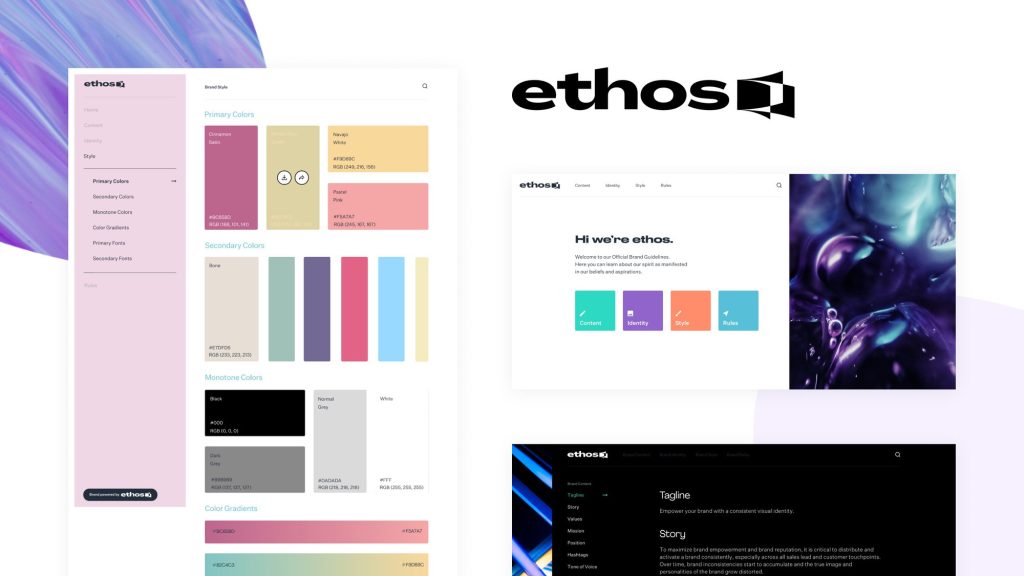
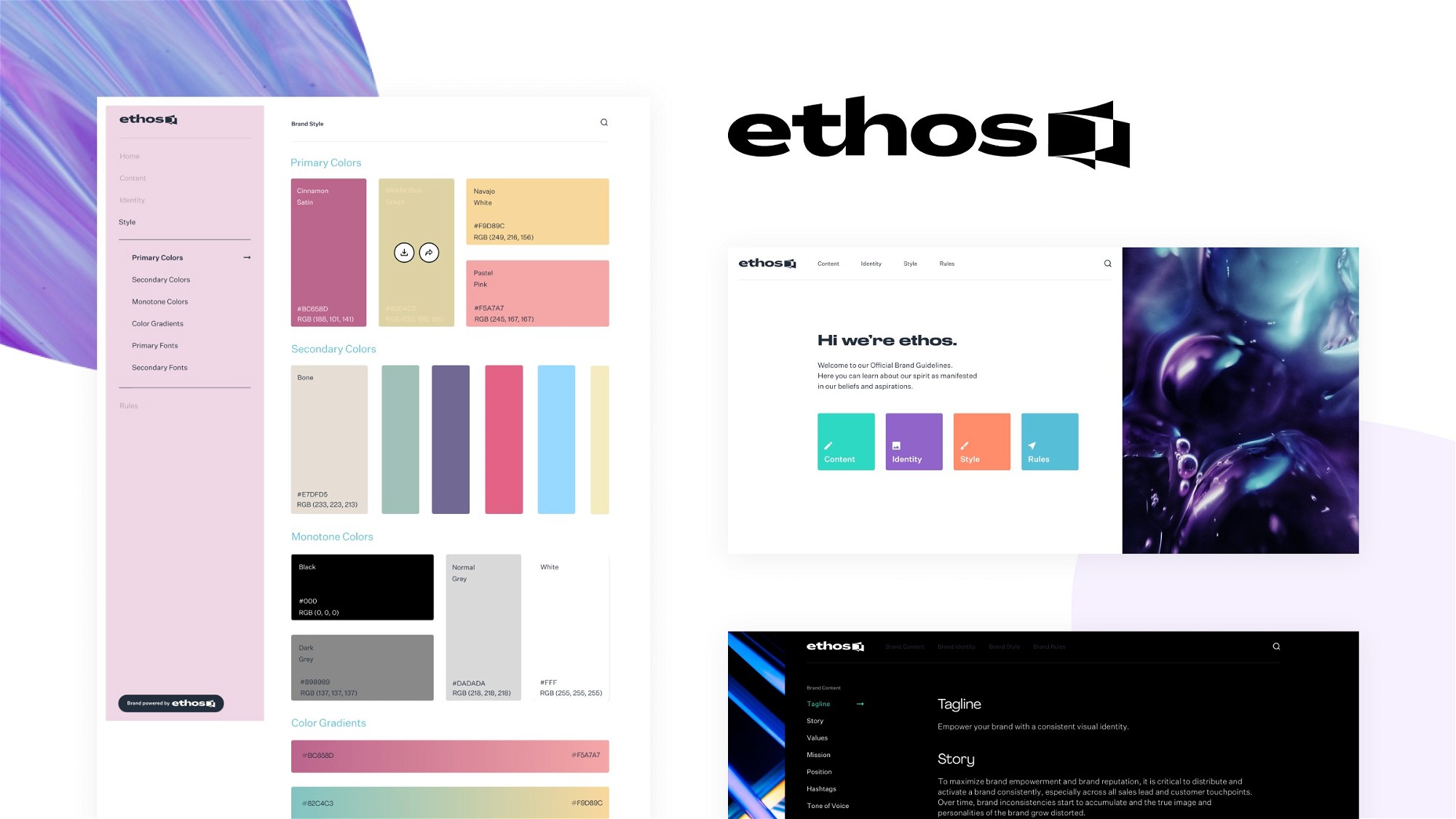
Ethos includes a brand guidelines builder — you can create a live, web-based brand style guide that automatically updates when you change assets. I created a style guide for a fictional brand: uploaded logo files, specified primary/secondary colors (hex codes), listed approved fonts, and added usage rules (e.g., “don’t stretch the logo”). The style guide rendered as a clean webpage that I could share via link.
When I updated the logo file in Ethos, the style guide automatically showed the new version. This solves the problem of outdated brand guidelines living in outdated PDFs. The AI can also generate the initial style guide by analyzing your existing assets — reducing setup time.
Version Control and Asset Usage Tracking
Ethos tracks every version of every asset. Upload a new logo file? The old version is archived, not deleted. You can revert to previous versions. Each asset has a usage history: who downloaded it, when, and for what purpose (if you add metadata). For compliance and auditing, this is valuable.
I tested version control by uploading logo_v1.png, then logo_v2.png (same filename). Ethos recognized the conflict and asked if I wanted to create a new version or replace. I created a new version. The asset page showed both versions with timestamps. I could download either version.
Integrations and API Access
Ethos offers integrations with design tools (Figma, Adobe Creative Cloud), cloud storage (Google Drive, Dropbox), and communication platforms (Slack, Teams). I connected Google Drive — Ethos imported existing brand assets without manual uploading. The Slack integration sends notifications when new assets are uploaded or when assets are downloaded (for monitoring).
The API (available on higher tiers) allows programmatic asset upload, download, and management. For developers building custom workflows (e.g., automatically upload assets from CI/CD pipelines), this is useful.
My Honest Ethos Review: Testing Experience
I tested Ethos for two weeks in 2025. The platform is brand new (launched on AppSumo in 2025), so there are zero user reviews yet. I treated it with cautious optimism.
Setup and Onboarding (15 minutes): Creating an account and redeeming the AppSumo code took 2 minutes. The onboarding wizard walked me through: creating a workspace, uploading initial assets, and setting up a brand portal. The interface is clean and modern — no clutter. Non-technical users will figure it out.
AI Tagging Accuracy (Impressive but Not Perfect): I uploaded 50 test assets: logos, photos, PDFs, videos, font files. The AI correctly tagged about 85% of assets with relevant keywords. For logos, it consistently tagged “logo, brand, icon.” For product photos, it added “product, photography, ecommerce.” For PDFs, it extracted text from the PDF and added tags based on content (e.g., a PDF titled “2025 Marketing Plan” was tagged “marketing, plan, 2025”).
The 15% that failed were edge cases: a photo of a building was tagged “architecture” correctly but also “landscape” (not accurate). A video file wasn’t analyzed at all (video tagging not yet supported). You can manually edit tags, so the AI is a starting point, not the final word.
Color and Font Detection (Useful for Style Guides): I uploaded a brand guidelines PDF. Ethos extracted the hex codes from the document (correctly identifying #1E3A8A as primary, #F59E0B as secondary). It also detected the fonts used (Inter, Roboto). This saved me from manually entering color codes. However, the detection isn’t 100% reliable — it missed a tertiary color (#10B981) that was used only once in the PDF.
Portal Performance (Fast and Reliable): Client portals loaded quickly (under 2 seconds). Download speeds were good (5-10MB/s). The portal interface is white-label capable? Partially — you can add your logo and brand colors, but the URL is still a subdomain (yourbrand.ethos.app). Full custom domains require higher tiers.
Limitations and Missing Features: Three things need improvement. First, video tagging is not yet supported — videos are treated as binary files without content analysis. Second, the search functionality is basic (keyword matching only, no semantic search). Third, the free tier (Tier 1) includes only 2GB storage — enough for documents and logos, but not for large video files or high-res photo libraries.
Support and Community (Brand New — Unproven): Since Ethos launched on AppSumo in 2025, there are no user reviews yet. The founders are active in the AppSumo Q&A (I saw responses within 24 hours). I sent a support ticket about video tagging — response came in 6 hours (friendly, but the answer was “video tagging is on our roadmap”).
Zero User Reviews (Risk Factor): Unlike established products with hundreds of reviews, Ethos has zero user feedback. This means unknown bugs, unknown support quality, and unknown long-term viability. AppSumo’s 60-day refund policy mitigates this risk — you can test thoroughly and refund if issues arise.
Who Should Use Ethos?
Ethos is ideal for marketing agencies, design studios, in-house marketing teams, and freelancers who manage brand assets for multiple clients. If you’re tired of sending Dropbox links that expire or managing Google Drive folders with version chaos, Ethos provides a professional brand portal. The AI tagging saves hours of manual organization.
The platform also works for small businesses and startups who need to organize their own brand assets and share them with vendors or partners. The $29 entry price is affordable for bootstrapped companies.
However, Ethos may NOT be right for enterprises with strict security requirements (on-premise deployment? SOC2 compliance? Unclear). Also avoid if you need video asset management — video tagging is not yet supported. If you manage terabytes of assets, the 2-10GB storage limits on lower tiers are insufficient.
Also, since there are zero user reviews, risk-averse buyers should wait for reviews or test within the 60-day refund window.
Ethos vs Competitors
I compared Ethos against three alternatives: Frontify (enterprise brand management), Bynder (high-end DAM), and Google Drive (free but chaotic). Here’s how they stack up:
| Feature | Ethos (Tier 1) | Frontify | Bynder | Google Drive | |||||||
|---|---|---|---|---|---|---|---|---|---|---|---|
| Price (Monthly/Annual) | $29 lifetime | $400+/month | $1,000+/month | Free (15GB) or $1.99/month | |||||||
| AI-Powered Tagging | ✅ Yes | ✅ Limited | ✅ Yes (AI) | ❌ No | |||||||
| Brand Portals (Client Access) | ✅ Yes (password-protected) | ✅ Yes | ✅ Yes | ❌ No (share folders) | |||||||
| Brand Guidelines Builder | ✅ Yes (live style guide) | ✅ Yes (advanced) | ✅ Yes | ❌ No | |||||||
| Version Control | ✅ Yes | ✅ Yes | ✅ Yes | ✅ Limited | |||||||
| Video Tagging/Analysis | ❌ No (roadmap) | ✅ Yes | ✅ Yes | ❌ No | |||||||
| Custom Domain for Portals | ❌ Lower tiers (subdomain only) | ✅ Yes | ✅ Yes | ❌ N/A | |||||||
| User Reviews (2025) | 0 (brand new) | 4.5/5 (hundreds) | 4.3/5 (hundreds) | 4.7/5 (millions) | |||||||
| Plan | Price | Billing | Notes |
|---|---|---|---|
| Regular | $132 | Monthly | Standard subscription |
| 🔥 Lifetime Deal | $29 78% OFF | One-time | Pay once, use forever |
🏁 Final Verdict
Ethos is a promising brand asset management tool at an unbeatable price ($29 lifetime). The AI tagging works well (85% accuracy), client portals are clean, and the brand guidelines builder is useful. However, the product is brand new — zero user reviews as of May 2025. This means unknown bugs, unknown long-term viability, and missing features (video tagging). For agencies tired of Google Drive chaos, Ethos is worth testing with the 60-day refund policy. For enterprises or risk-averse buyers, wait for reviews or stick with Frontify. At $29, the risk is low, but the reward is high if the product matures well.
Get the Lifetime Deal →