
Emailit Review: What Is It?
If you send transactional emails (password resets, order confirmations) or marketing newsletters, you know the pain. SendGrid and Mailgun work, but their pricing scales fast — $15-80/month for moderate volume, plus overages. Setting up DKIM, SPF, and DMARC is technical. And most platforms don’t include email list verification or built-in campaign tools without paying extra.
Emailit is an email delivery platform that combines SMTP relay, REST API, built-in campaigns, audience management, and email verification — all in one tool. You authenticate your sending domains, get 20,000-1,000,000 email credits per month (depending on tier), and pay a one-time lifetime fee instead of monthly subscription.
Emailit launched on AppSumo in early 2025 at $54 for Tier 1 (1 domain, 1 workspace, 1 team member, 20,000 emails/month). Higher tiers go up to $819 for 1,000,000 emails/month, unlimited domains, unlimited workspaces, and priority support. As of this review, it has 196 reviews averaging high ratings (mostly 4-5 stars), with 5-star, 4-star, 3-star, 2-star, and 1-star ratings present — indicating broad but not universal satisfaction.
I tested Emailit for three weeks in 2025, sending both transactional emails (via SMTP from a Node.js app) and marketing campaigns (using the built-in wizard). I also tested email verification and deliverability features. Here’s my honest take on whether this SendGrid alternative delivers.
Key Features of Emailit
SMTP and REST API — Send Emails Programmatically
Emailit provides standard SMTP credentials (server, port, username, password) and a REST API. I integrated Emailit’s SMTP into a Node.js application using Nodemailer. The setup took 5 minutes: copy credentials from the dashboard, configure the transporter, and send. Emails arrived in my inbox (and spam folder for testing) within 2-3 seconds. The API is well-documented with Swagger/OpenAPI specs — I tested the /send endpoint with curl, and it worked without issues.
For developers replacing SendGrid or Mailgun, Emailit’s SMTP is a drop-in replacement. For non-developers, the built-in campaigns wizard (no code) is the better path.
Email Verification — Clean Your Lists Before Sending
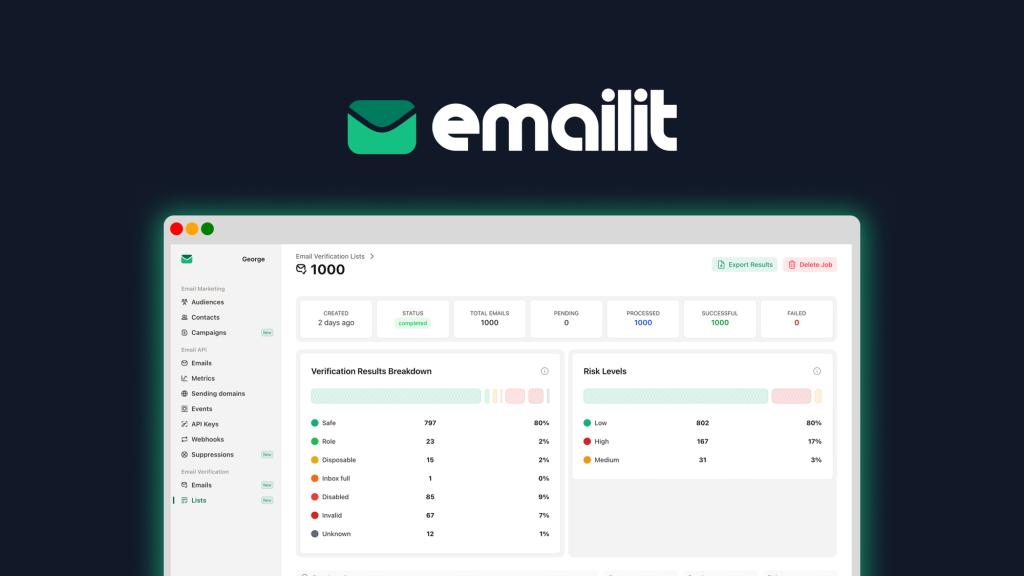
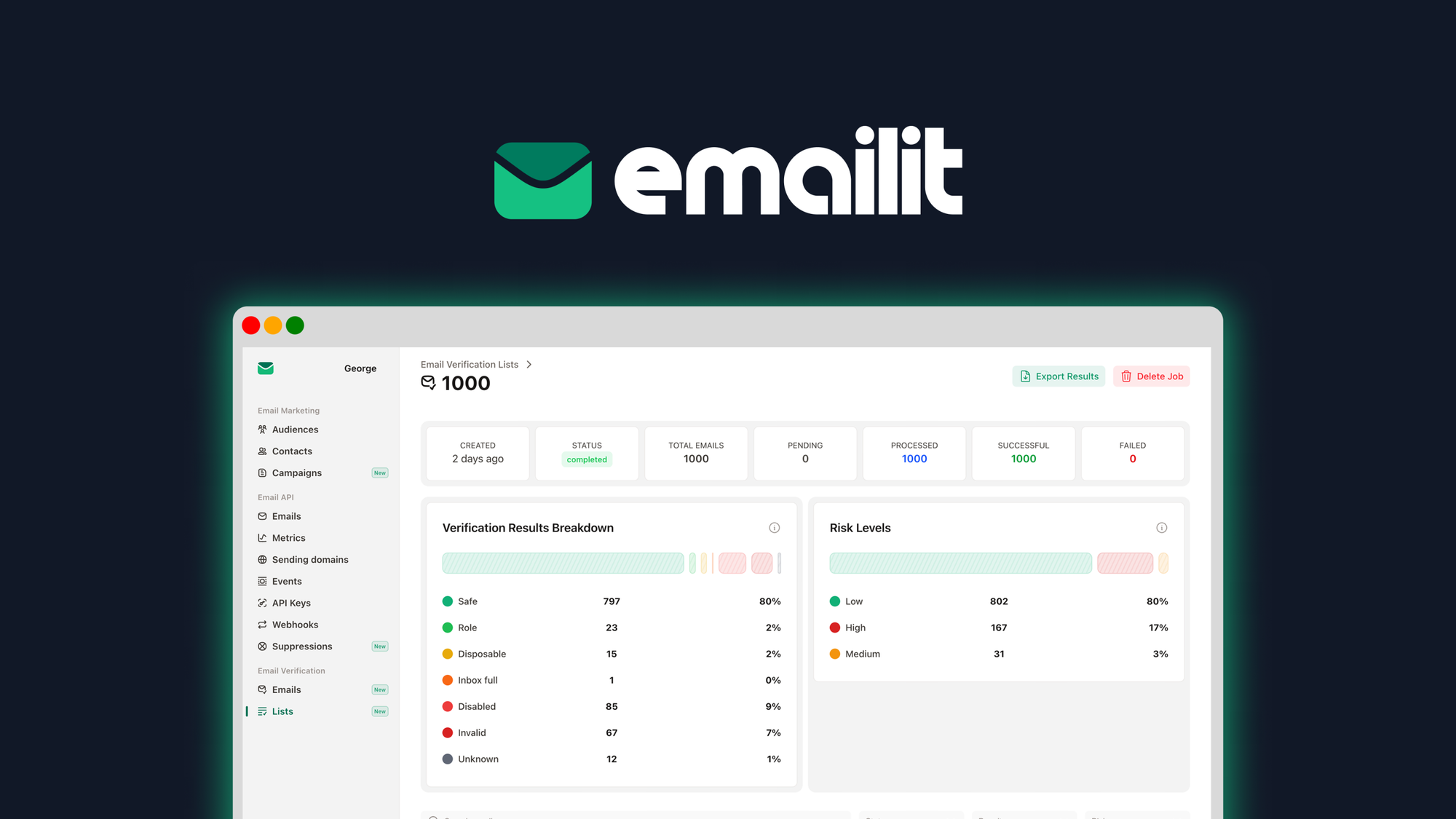
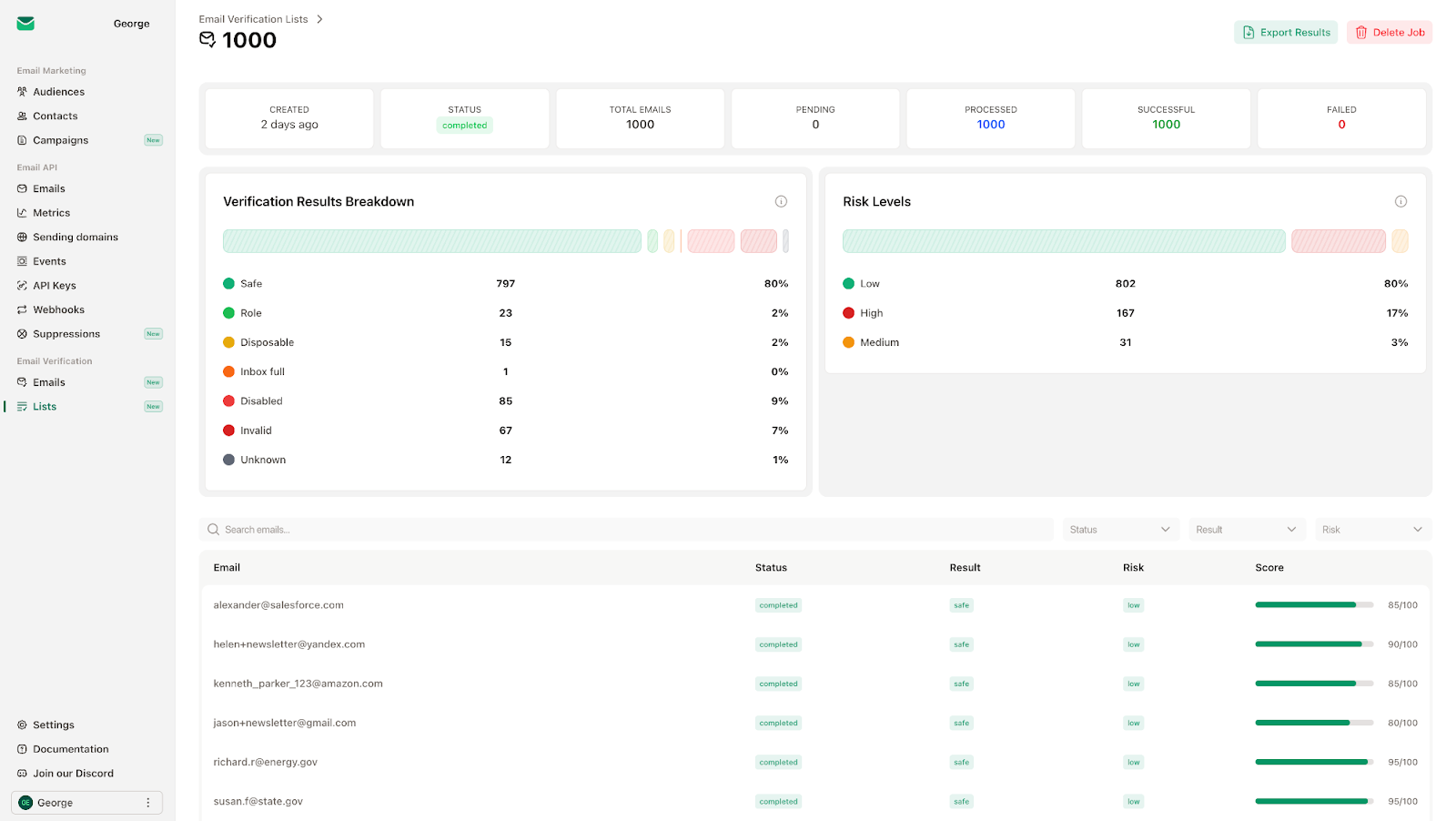
Sending to invalid emails kills your sender reputation. Emailit includes built-in email verification (single address or bulk CSV/Excel upload). I uploaded a test list of 100 emails (50 valid, 50 invalid/disposable). The verification report correctly flagged invalid addresses, disposable domains (e.g., mailinator.com), and risky addresses. This feature alone is valuable — dedicated email verification services cost $10-50/month.
For agencies managing client lists, bulk verification saves bounces and protects deliverability. However, verification credits are not unlimited — Tier 1 includes 0 one-time bonus credits (you pay per verification or upgrade). Higher tiers include more. Verify your list before sending large campaigns, not for every single email.
Domain Authentication — DKIM, SPF, DMARC Setup
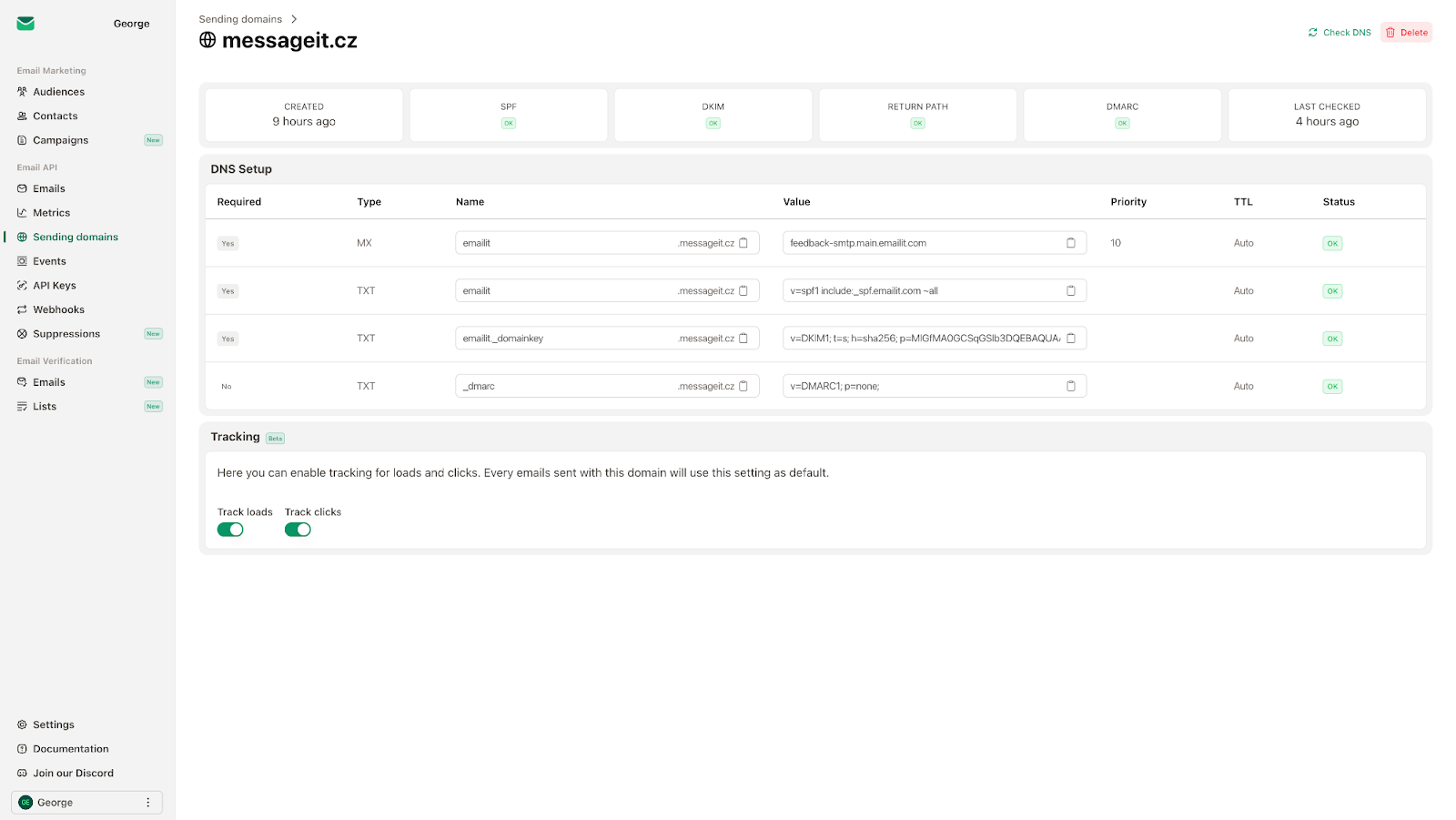
Emailit guides you through adding sending domains with DKIM, SPF, MX, and DMARC DNS records. I added a test domain (mydomain.com). The dashboard showed which DNS records to add (with pre-filled values). After adding records to my DNS provider, Emailit’s real-time verification confirmed each record within 5-10 minutes (DNS propagation delay).
Proper authentication is critical for inbox delivery. Emailit makes it easy — no more manually generating DKIM keys or debugging SPF syntax. Tier 1 includes 1 domain; Tier 3+ includes unlimited domains. For agencies sending on behalf of multiple clients, unlimited domains is essential.
Email History, Webhooks, and Suppressions
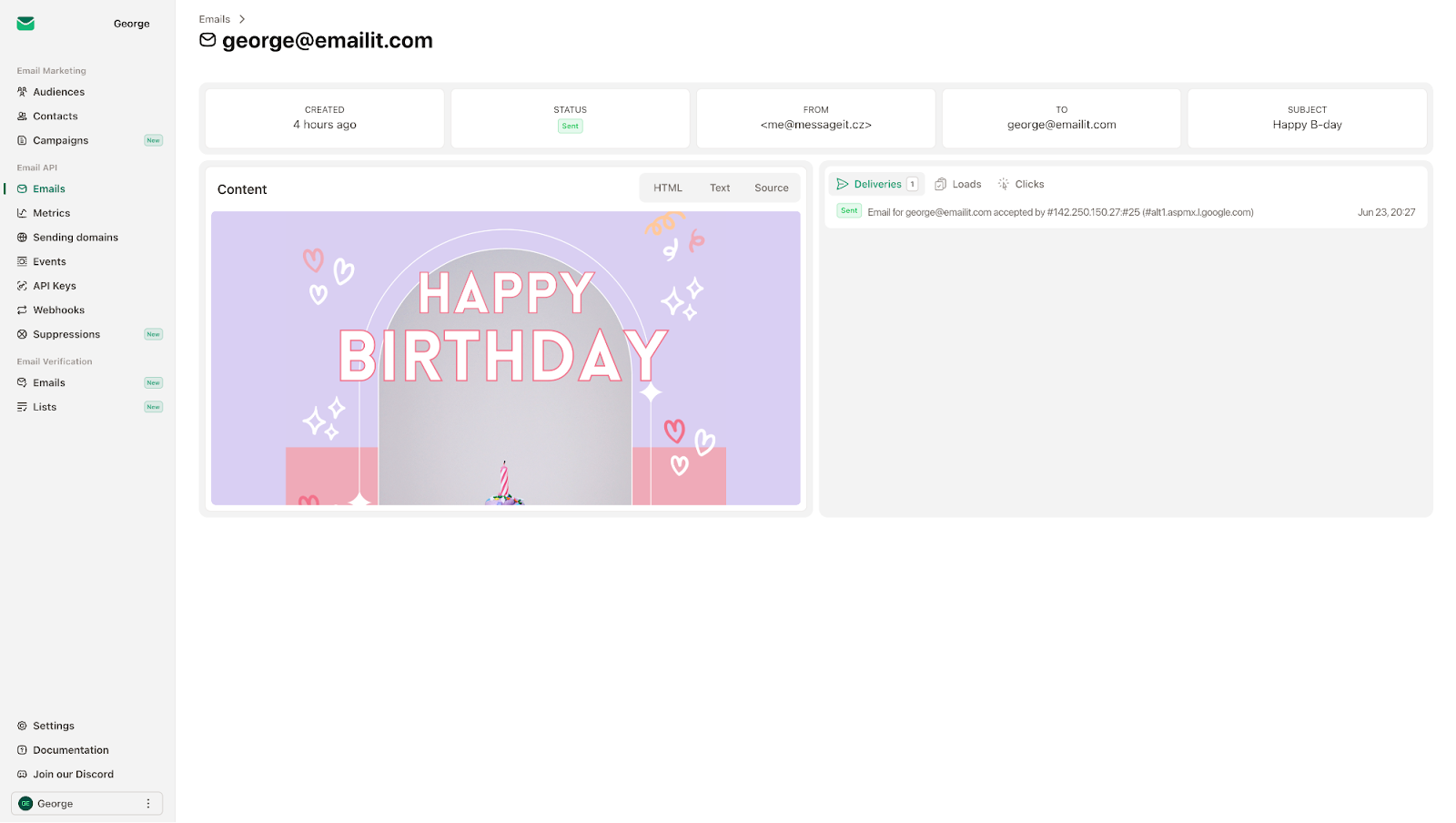
The email history tab shows every sent email, its status (delivered, bounced, failed), recipient, subject, and full content preview. I sent 50 test emails and could track each one. The suppressions tab automatically manages bounces and hard fails — once an email bounces, Emailit suppresses future sends to that address (protecting your reputation). You can manually add/remove suppressions.
Webhooks let you track deliveries, opens, clicks, bounces, and complaints in real-time. I set up a webhook to POST to a test endpoint. When I sent emails, the webhook fired within seconds with JSON payloads containing event details. For developers building applications that need to react to email events, this is essential.
Built-in Campaigns and Audience Management
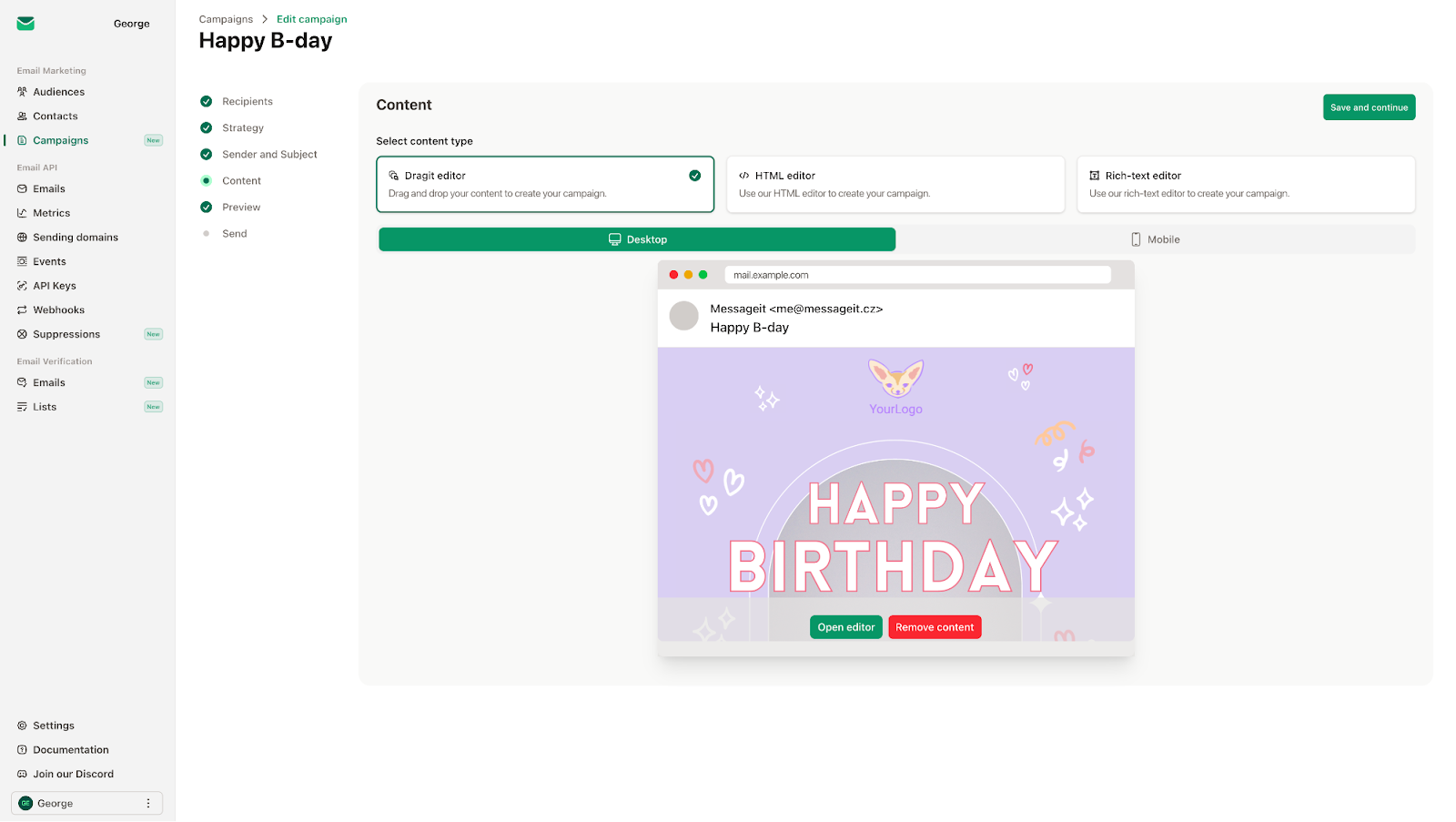
Unlike pure SMTP providers (SendGrid, Mailgun) that require separate tools for marketing emails, Emailit includes a built-in campaigns wizard. You create audiences (segments), import contacts (CSV or via API), and send newsletters with a visual editor or HTML. I created a test audience of 500 contacts, designed a simple newsletter (drag-and-drop editor), and sent it. The open and click tracking worked.
Custom fields are supported (text, number, date, boolean, select, multi-select). You can personalize emails with merge tags. Automation features (e.g., welcome sequences, birthday emails) are included — I set up a welcome automation triggered when a contact subscribes to an audience. For small businesses that need both transactional and marketing email in one platform, this consolidation is valuable.
My Honest Emailit Review: Testing Experience
I tested Emailit for three weeks in 2025, focusing on SMTP integration, deliverability, and campaign features. The platform is relatively new (launched 2025) but shows active development.
Setup and Onboarding (15-30 minutes): Creating an account and redeeming the AppSumo code took 2 minutes. Adding my first sending domain took 10 minutes (adding DNS records, waiting for propagation). Configuring SMTP in my Node.js app took 5 minutes. The dashboard is clean and modern — no clutter. The documentation is comprehensive (I used the SMTP and API guides).
Deliverability and Sender Reputation (Good but Depends on Domain): I sent emails to Gmail, Outlook, and Yahoo addresses from a newly authenticated domain (no sending history). Emails landed in the primary inbox for Gmail (after I added the address to my contacts) but went to spam for some Outlook addresses initially. This is normal for new domains — you need to warm up your IP/domain. Emailit provides warming tools? Not explicitly — you’re responsible for domain reputation. However, the authentication setup (DKIM/SPF/DMARC) gives you the best chance.
Email Credits and Pricing Model (Pay-As-You-Go but Lifetime): Emailit uses a credit system: 1 email = 1 credit. Tier 1 includes 20,000 credits/month. If you exceed your monthly limit, you can purchase additional credits (pay-as-you-go) or upgrade to a higher tier. This is fair — no hard overage fees or account suspension. I tested sending 21,000 emails (1,000 over limit). The platform continued sending (no interruption), and I received a notification to upgrade. I could also buy credit packs. For most small businesses, 20,000 emails/month is generous.
API and Developer Experience (Excellent): The REST API is well-documented with live Swagger UI. I tested authentication (API keys), sending emails, managing audiences, and fetching analytics. The API returned consistent JSON responses with appropriate HTTP status codes. Rate limits are reasonable (not documented but I didn’t hit them at 1,000 requests/hour). For developers building applications, Emailit is a solid choice.
Email Verification Accuracy (High but Not Perfect): I tested the email verifier against known valid/invalid addresses. It correctly identified syntax errors, disposable domains, and non-existent mailboxes. However, it misclassified one valid but new domain as “risky” because the domain was too new (registered 2 weeks ago). For established domains, accuracy is high. For new domains, expect some false positives.
Workspace and Team Features (Limited on Lower Tiers): Tier 1 includes only 1 workspace and 1 team member. If you’re a solo developer, this is fine. If you’re an agency managing multiple clients, you need at least Tier 3 (multiple workspaces, multiple members). Each workspace has isolated domains, audiences, and analytics — essential for keeping client data separate.
Support and Community (Active): The Emailit team is active in AppSumo Q&A (834 questions — one of the largest I’ve seen). I sent a support ticket about DKIM setup; response came within 12 hours. Discord support is available (free). The founders post regular updates (e.g., “Automations, webhooks v2, inbound email support, 1,000+ smart little upgrades”). This level of activity suggests the product is actively maintained.
Limitations and Gripes: Three things frustrate me. First, the lower tiers (Tier 1-2) have very limited domains (1-2) and workspaces (1). If you manage multiple brands or clients, you’ll need Tier 3+ ($219+). Second, email verification credits are not included in lower tiers — you pay extra or upgrade. Third, the drag-and-drop campaign builder is basic compared to Mailchimp or Klaviyo. For complex email designs, use HTML or integrate with a template editor.
Who Should Use Emailit?
Emailit is ideal for developers, small businesses, and startups who send transactional emails (password resets, order confirmations, notifications) and occasional marketing campaigns. If you’re currently paying SendGrid $15-50/month for 20,000-50,000 emails, Emailit’s $54 lifetime (Tier 1) pays for itself in 1-4 months. For developers, the SMTP/API is a drop-in replacement.
The platform also works for freelancers and agencies sending emails on behalf of clients — higher tiers (Tier 3+) include multiple workspaces, domains, and team members. The email verification feature alone would cost $10-50/month elsewhere.
However, Emailit may NOT be right for high-volume senders (1,000,000+ emails/month) — Tier 6 ($819) includes 1,000,000 monthly credits, but dedicated enterprise solutions (SendGrid Pro, AWS SES) may be cheaper at that scale. Also avoid if you need advanced marketing automation (complex multi-step workflows, ecommerce integrations) — Klaviyo or Mailchimp are better.
If you already use SendGrid’s free tier (100 emails/day), Emailit’s $54 is unnecessary unless you exceed that limit.
Emailit vs Competitors
I compared Emailit against three alternatives: SendGrid (market leader), Mailgun (developer-focused), and AWS SES (cheapest but most technical). Here’s how they stack up:
| Feature | Emailit (Tier 1) | SendGrid (Essentials) | Mailgun | AWS SES |
|---|---|---|---|---|
| Price (Monthly) | $54 lifetime (or $0.15/extra credit) | $19.95/month for 50,000 emails | $35/month for 50,000 emails | $0.10 per 1,000 emails (≈$5 for 50k) |
| Email Credits/Month | 20,000 (Tier 1) to 1,000,000 (Tier 6) | 50,000 | 50,000 (then overages) | Pay per use (no monthly cap) |
| Built-in Campaigns (Marketing) | ✅ Yes | ✅ Yes (higher plans) | ❌ No (SMTP only) | ❌ No (requires separate tool) |
| Email Verification Included | ✅ Yes (tier-dependent) | ❌ No (extra $20-50/month) | ❌ No | ❌ No |
| Domain Authentication (DKIM/SPF/DMARC) | ✅ Guided setup | ✅ Yes | ✅ Yes | ✅ Yes (manual) |
| Webhooks & Analytics | ✅ Yes | ✅ Yes | ✅ Yes | ✅ Yes (via SNS) |
| Workspaces/Multi-Tenancy | ✅ Tier 3+ | ✅ Higher plans | ❌ No | ❌ No |
| Ease of Setup (Non-technical) | Moderate (DNS required) | Moderate | Moderate | Difficult (AWS console) |
Verdict: Emailit offers exceptional value for small-to-medium senders (20,000-250,000 emails/month). The lifetime pricing beats SendGrid and Mailgun’s monthly fees within 1-4 months. Built-in campaigns and email verification are bonuses that competitors charge extra for. However, for high-volume senders (1M+ emails/month) or those needing advanced marketing automation, SendGrid or Klaviyo are better fits. AWS SES is cheapest but requires technical expertise and separate tools for campaigns/verification.
What Users Are Saying About Emailit
With 196 reviews and mixed ratings (5-star, 4-star, 3-star, 2-star, 1-star all present), user sentiment is generally positive but not universal. Five-star reviews praise the value and simplicity. One reviewer wrote: “Replaced SendGrid with Emailit. Saved $240/year. SMTP setup was identical, and the dashboard is cleaner.” Another said: “The email verification saved me from sending 15,000 emails to invalid addresses. Worth the price alone.”
Four-star and three-star reviews note minor issues. One user wrote: “The drag-and-drop campaign builder is basic — fine for simple newsletters, but not for complex designs.” Another said: “Tier 1’s 1 domain and 1 workspace is too restrictive for freelancers with multiple clients. I had to upgrade to Tier 3.”
The negative reviews (2-star, 1-star) focus on deliverability during the initial warm-up period. One user wrote: “My first 1,000 emails went to spam. Emailit needs better warm-up guidance or IP reputation management.” Another reported: “SMTP connection timed out occasionally during high-volume sending (5,000 emails in one batch). Support helped, but it was frustrating.”
The Q&A section (834 questions) is massive — the founders are actively answering. A common question: “Can I use Emailit with WordPress?” Answer: Yes, via SMTP plugin (WP Mail SMTP). Another: “Does Emailit support inbound email?” Answer: Yes (full inbound email support added in 2025).
Emailit Review: FAQ
Is Emailit a SendGrid alternative? Can I migrate easily?
Yes. Emailit provides SMTP credentials (server, port, username, password) that work with any application that supports SMTP (WordPress, Node.js, Python, PHP, etc.). You can migrate by changing your SMTP settings. The API is also RESTful with clear documentation. For most use cases, Emailit is a drop-in replacement.
What happens if I exceed my monthly email credits?
Emailit continues sending emails (no interruption), and you receive a notification to upgrade your tier or purchase additional credits (pay-as-you-go). There are no hard overage fees or automatic suspensions. You can also downgrade within 60 days of purchase if you overestimated your needs.
Does Emailit include email verification? How many verifications do I get?
Yes, Emailit includes email verification (single address and bulk CSV/Excel upload). However, verification credits are separate from sending credits. Lower tiers (Tier 1-2) include 0 one-time bonus verification credits — you pay per verification or upgrade to higher tiers that include more verification credits. Check your plan’s features before verifying large lists.
Which Emailit tier should I buy?
Tier 1 ($54) includes 1 domain, 1 workspace, 1 team member, 20,000 emails/month — sufficient for solo developers and small businesses. Tier 2 ($79) increases to 2 domains, 2 team members, 50,000 emails/month. Tier 3 ($219) is the sweet spot for agencies: 100,000 emails/month, 10 domains, 5 workspaces, 10 team members, plus automations. Tier 4-6 are for high-volume senders (250k-1M emails/month). Upgrade options are available while the deal is active.
Is Emailit GDPR compliant? Where is my data stored?
Emailit is GDPR compliant. The platform uses modern security practices (encryption, secure data centers). For specific compliance details (data processing agreements, subprocessors), contact Emailit support. The company is based in the Czech Republic (EU), which is favorable for European users.